
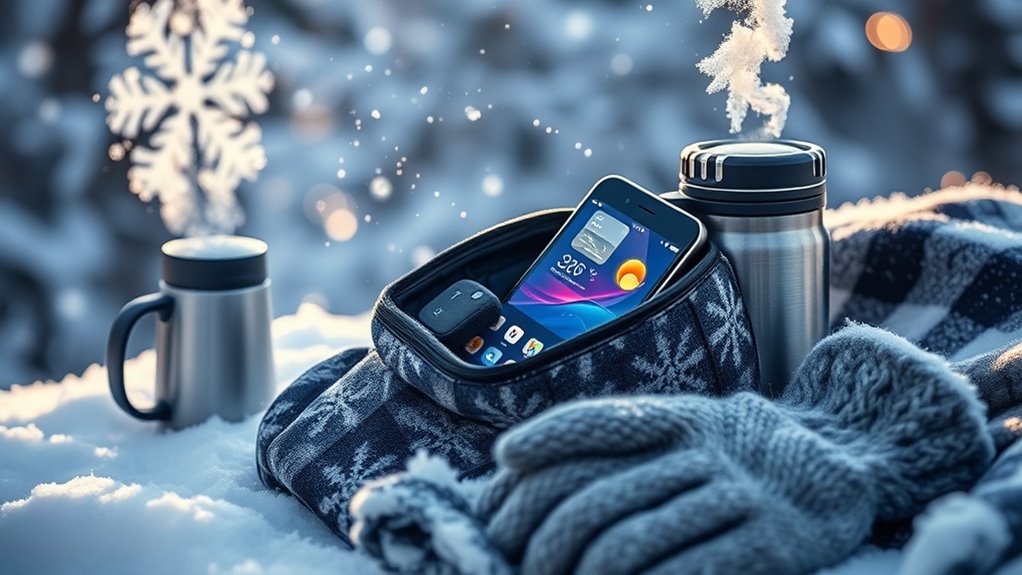
Cold weather can greatly affect your devices in ways you might not expect, like draining their battery life more quickly than usual. If you use your gadgets outdoors or store them in unheated spaces, you could be risking their functionality and longevity. There are effective strategies to protect your electronics from freezing temperatures and moisture. Let’s explore the best ways to keep your devices safe and operational in cold conditions.




Understanding the Effects of Cold Weather on Electronics
When temperatures drop, your electronics can suffer more than you might realize. Cold contraction affects electronic components, causing them to shrink and potentially malfunction. This can lead to issues like battery failure, screen damage, or even complete device shutdowns. For instance, lithium-ion batteries lose efficiency in the cold, reducing their lifespan. Additionally, condensation can form inside devices when they’re brought back into warmth, risking short circuits. By understanding these effects, you can take proactive measures to protect your gadgets. Stay mindful of temperature extremes, and make sure you’re not just leaving your devices unprotected in the chilly weather.
Best Practices for Storing Devices
To keep your devices safe from the harsh effects of cold weather, proper storage is key. Start by choosing suitable storage solutions that protect against moisture and temperature fluctuations. Use padded cases or insulated bags for extra protection. Organize your devices neatly to prevent damage; tangled cords can lead to wear and tear. If possible, store them indoors in a climate-controlled environment. Always verify batteries are charged before storing, as cold can drain them. By prioritizing device organization and utilizing smart storage solutions, you’ll extend the life of your electronics and enjoy peace of mind during chilly months.
Tips for Using Devices Outdoors
When you’re using devices outdoors in cold weather, it’s crucial to dress them warmly. Simple accessories like insulated cases can help protect against the chill. Plus, keep an eye on your battery life, as cold temperatures can drain it faster than usual.
Dress Devices Warmly
One of the best ways to protect your devices from cold weather is to dress them warmly, just like you would for yourself. Use insulated device covers to shield your gadgets from frigid temperatures. These covers not only provide warmth but also protect against moisture and impacts. For added protection, consider thermal pouches that can keep your devices snug and cozy during outdoor adventures. When you’re out and about, don’t forget to keep your devices close to your body heat whenever possible. By dressing your tech appropriately, you’ll guarantee they stay functional and ready for action, even in the coldest conditions.
Monitor Battery Life
As temperatures drop, keeping an eye on your device’s battery life becomes essential, since cold weather can greatly impact performance. To guarantee effective battery management, consider these tips for monitor maintenance:
- Charge your device fully before heading out.
- Keep your device warm in an insulated pocket or case.
- Regularly check battery levels and adjust usage accordingly.
Protecting Your Battery Life
When the temperatures drop, your device’s battery can suffer if you’re not careful. You’ll want to adopt insulation techniques, charge your device efficiently, and stay aware of temperature impacts. Let’s explore how these steps can help preserve your battery life in the cold.
Battery Insulation Techniques
Cold weather can greatly impact your device’s battery life, so it’s essential to take proactive measures for protection. One effective method is using battery covers and insulation materials to shield your battery from frigid temperatures. Here are a few techniques you can try:
- Use thermal wraps: These can provide an extra layer of warmth.
- Opt for insulated cases: They can keep your device cozy while you’re on the go.
- Keep devices in pockets: Your body heat can help maintain a stable temperature.
Optimal Charging Practices
To keep your device’s battery healthy during cold weather, it’s important to adopt ideal charging practices. Start by monitoring your charging frequency; frequent top-ups can strain your battery in colder conditions. Aim to charge your device in suitable temperatures, ideally between 32°F and 95°F (0°C to 35°C). Avoid leaving it plugged in overnight or in extreme cold, as this can diminish battery life. If your device’s battery drops to freezing temperatures, consider warming it up before charging. By being mindful of these practices, you’ll make sure your device stays reliable and ready for all your adventures, no matter the weather.
Temperature Awareness Tips
While it might be tempting to use your device in frigid conditions, being aware of temperature impacts can greatly enhance your battery’s lifespan. Exposure to temperature extremes can negatively affect device performance, so keep these tips in mind:
- Limit usage outdoors: Try to minimize your device’s time in the cold.
- Keep it warm: Store your device close to your body or in an insulated pocket.
- Charge wisely: Avoid charging in extremely cold environments to prevent battery strain.
Ensuring Proper Screen Functionality
If you want your device’s screen to function properly in cold weather, it’s essential to take a few precautions. Cold conditions can lead to screen responsiveness issues, making it hard to use your device effectively. To combat this, consider making touchscreen sensitivity adjustments in your device settings.
| Precaution | Description |
|---|---|
| Avoid Extreme Cold | Keep your device close to your body. |
| Use Screen Protector | Adds a layer of insulation. |
| Limit Battery Usage | Lowering screen brightness can help. |
What to Do if Your Device Gets Too Cold
When your device gets too cold, it’s crucial to act quickly to prevent potential damage. Start by bringing it into a warmer environment, but don’t rush the thawing process. Here are some effective thawing techniques for device recovery:
- Gradually warm it up: Let your device acclimate to room temperature slowly.
- Avoid direct heat: Don’t use hair dryers or heaters, as they can cause damage.
- Check for condensation: Wait for any moisture to evaporate before powering it on.
Following these steps can help guarantee your device’s longevity, keeping it safe and functional even in chilly conditions.
Frequently Asked Questions
Can I Use a Phone in Extreme Cold Conditions?
Yes, you can use a phone in extreme cold, but expect reduced battery performance and decreased screen responsiveness. To maintain functionality, keep it warm and limit usage during frigid temperatures for ideal performance.
Will Cold Weather Void My Device Warranty?
Cold weather may impact your device’s performance, but it typically won’t void your warranty. Just be mindful of the manufacturer’s temperature limits and warranty coverage, as ignoring them could lead to potential issues down the line.
How Do I Clean My Device After Snow Exposure?
To clean your device after snow exposure, gently wipe it with a soft cloth to remove moisture. Make certain it’s completely dry before powering on, preventing snow damage and maintaining peak performance for your freedom-loving adventures.
Does Cold Affect Wireless Connectivity?
Yes, cold temperatures can negatively impact wireless performance. You might notice slower connections or interruptions, as extreme cold can affect battery life and signal strength, making your devices less reliable in frigid conditions. Stay warm!
Can I Leave My Device in a Cold Car Overnight?
You shouldn’t leave your device in a cold car overnight. Cold damage can greatly reduce battery performance, leading to decreased functionality. It’s best to keep your devices warm to guarantee they stay reliable and work properly.